
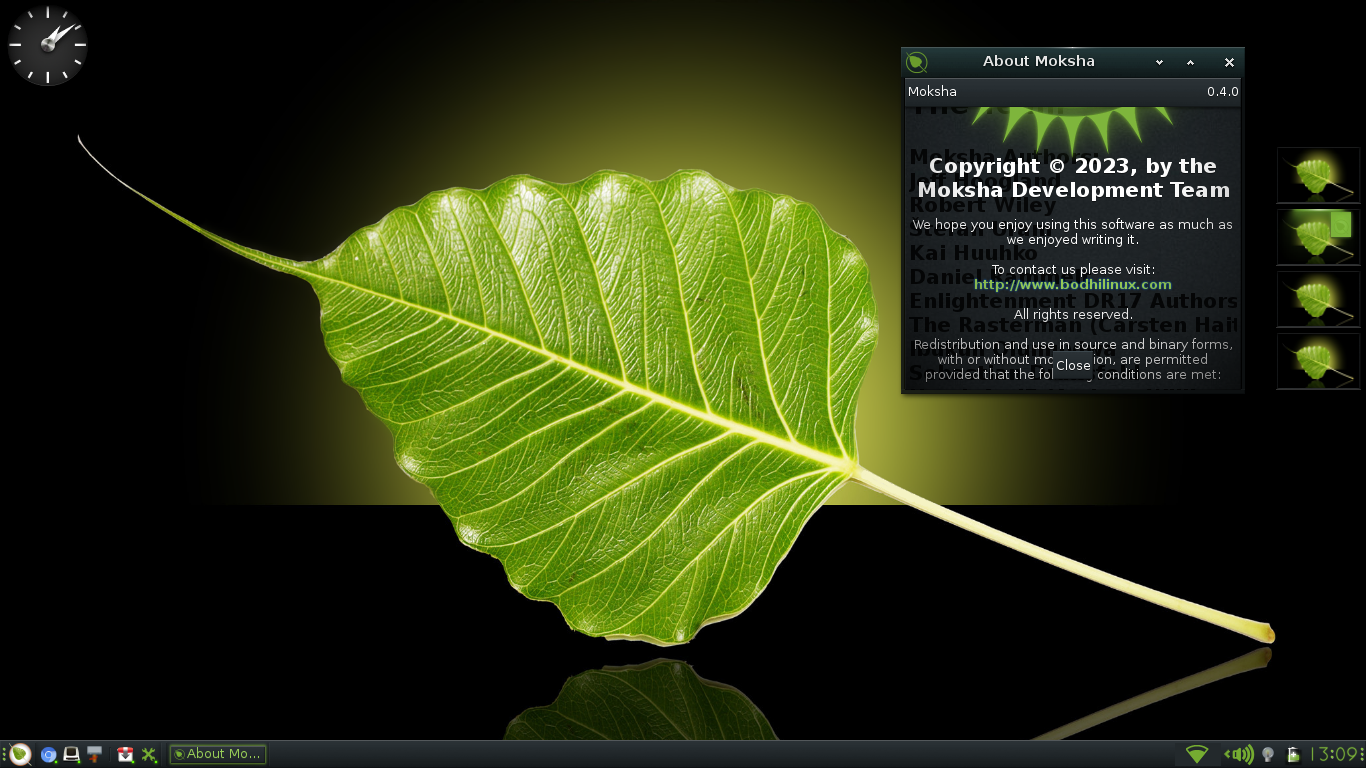
Bodhi Linux, a lightweight distribution featuring the fast & fully customizable Moksha Desktop. The 64-bit is built on top of Ubuntu (22.04). The 32-bit Non-PAE architecture has a Ubuntu 18.04 base. Bodhi Linux 7.0.0 is the Enlightened Linux Distribution.
Here you’ll find all you need to discover more about Bodhi Linux, including helpful resources such as:
- The Wiki: For Tutorials; Installation & Configuration guides, FAQs and much much more.
- The Bodhi Linux AppCenter: Curated Software, Themes and Icon sets for desktop styling/customization.
Bodhi Linux has a very friendly and active community, check it out for yourself on our forums or in live chat (Discord).
Bodhi Linux is an open-source distro with a rather small team of active Team Members; we are always looking for help. In particular, we are looking for C, Bash, and Python programmers, translators, graphic artists, theme developers, and more. If you have skills to put to use, or a willingness to learn, contact us via Discord or our forums. Not all users can nor want to contribute to the code or documentation; but even a small financial donation helps tremendously.
Ready to give it a try? Head over to our Downloads page.
We hope you’ll enjoy Bodhi Linux as much as we do!
Bodhi News
- Introducing Bodhi Linux 7.0: A Landmark Release - The Bodhi team is thrilled to announce the long-awaited release of Bodhi Linux 7.0. Built on the Ubuntu 22.04 LTS (Jammy Jellyfish) base, Bodhi 7.0 is a momentous step forward. With a strong commitment to improving user experience, performance, and adhering to its core values of minimalism and customization, this release marks a significant milestone...
- Reinstating @bodhilinux.com email addresses - In the past, we used to offer Bodhi email addresses to Team members as well as users that donated at least 25 us dollars and asked specifically for one. This is an email address of the form: user_name@bodhilinux.com. We had to stop doing that however as Jeff Hoogland who had that setup stopped supporting this...
- Transfer of domain registration - The bodhilinux.com domain is being transferred to a new registrar. This could lead to some outage of the website and package repos. Timeline is estimated to be 7-10 days from this post.
- New Mirror – Asia - There is now a new Bodhi Linux mirror available in Asia. The server is hosted in Singapore on ExpertVM. The mirror hosts Bodhi 6 packages with the following architectures: b6main(amd64) b6testing(amd64) b6debbie(i386) How to switch to using the Asia mirror? 1. As root, open the /etc/apt/sources.list.d/bodhi-repository.list file. 2. Replace packages.bodhilinux.com with bodhi-asia.reducecodelabs.com keeping everything else...
- New Mirror – Europe - There is now a new Bodhi Linux mirror available in Europe. The server is hosted in Paris, France. The mirror hosts Bodhi 6 packages with the following architectures: b6main(amd64) b6testing(amd64) b6debbie(i386) How to switch to using the Europe mirror? 1. As root, open the /etc/apt/sources.list.d/bodhi-repository.list file. 2. Replace packages.bodhilinux.com with bodhi.reducecodelabs.com keeping everything else the...